Professional Ship Simulator Weather, Wind, and Sea State
Presets, live data, and dynamic fronts — none of them are a graphics filter.
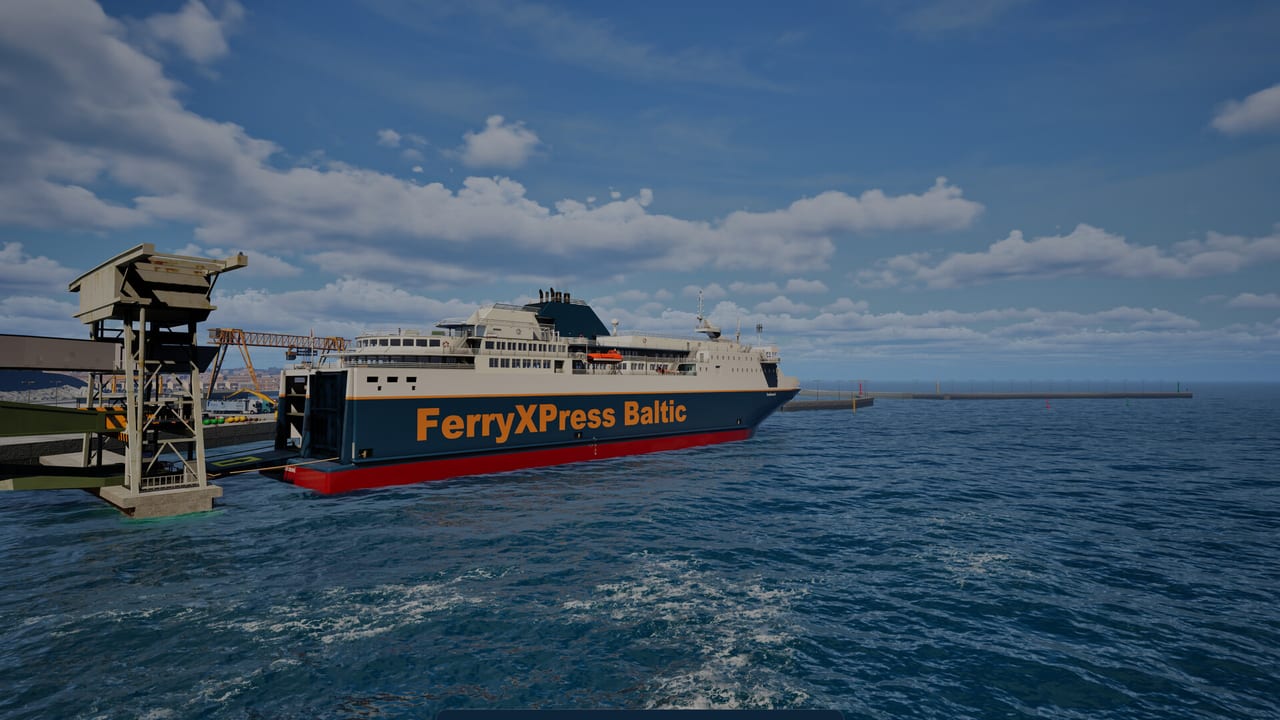
Weather in Professional Ship Simulator is a handling modifier. Wind walks high-freeboard hulls, current adds set, fog turns radar into the primary sensor, and a storm on the Strait of Dover is a different game from a calm Rügen morning. Official copy lists a day/night cycle, optional real-time data, rain, storm, snow, dust, fog, and a weather radio channel. The NauticXP-era pipeline used DWD services and OpenStreetMap scenery. Steam Early Access is still scheduled for 16 September 2026; practise the modes in the free demo.
Read this after how to play. For why bank effect gets worse in a blow, see physics.
The four ways weather is driven
Official and creator breakdowns agree on four drivers:
- Presets / scene — pick a condition. Waves build naturally rather than popping in. Use Clear or Partly Cloudy for the first dock.
- Real-time — live global conditions pulled into the box. Beautiful for a “what is Dover doing tonight” session. Hostile if you wanted a teaching basin.
- Dynamic — the weather changes after a period, scaled so a long transit can see a front. RC 1717 and beta 1667 also let Fast Travel drop you into rescue cases or bad weather. A skip is not a loading screen.
- Custom — sliders for wind, gusts, fog, rain, storms. Use this to isolate one problem: fog without wind, or wind without rain.
Creator showcases walk a ladder: clear, cloudy, overcast, light rain, heavy rain, fog, snow, blizzard, thunderstorm, dust/sandstorm. Every step changes drift, visibility, and how much the HUD lies if you only watch the horizon.
What actually changes on the helm
Wind and current are first-class in the hydro model. A cruise ship and a pilot boat do not share a leeway table. If the bow falls off while you add ahead, that is windage plus propeller walk, not a broken stick. Counter with thrusters early. Adding RPM in a beam wind often grows the problem — same lesson as docking.
Fog is an instrument exam. Radar with AIS/CPA, echo sounder, and the chart (M) earn their keep. Binoculars do not. Rain on glass and spray are workload, not only atmosphere. Night plus rain plus Dover traffic is how people write bug reports instead of logbooks.
Sea state changes speed and stability. A trawler shooting a net in a crossing swell is a mission problem and a physics problem at once. If the water shader is already stuttering, drop water quality before you drop resolution — depth perception matters more than a sharp crane. See system requirements.
A training syllabus
- Calm preset, small beginner ship, one local hop.
- Same hop with a beam wind. Note how much helm you burned.
- Fog, radar on, no heroics.
- Dynamic weather on a short Rügen leg, not a Calais–Dover LNG run.
- Only then a storm, with tugs allowed and XP already mentally spent.
The official weather-modes clip in the middle of this page is the shortest honest tour. Use it, then go repeat the same berth until the preset no longer scares you. Career XP does not care that the sky looked cinematic.
Frequently Asked Questions
Quick answers before you take the helm.
Which weather mode should a beginner use?
A calm or clear preset. Real-time and dynamic weather are for captains who already dock without looking at the bind list.
Does Fast Travel skip weather?
No. Betas and RC 1717 can interrupt Fast Travel with rescue events or bad weather.
Is real-time weather using live data?
Official materials describe optional real-time conditions. NauticXP-era notes mention DWD. Treat the in-game toggle as the authority.
Why does the ship drift with throttle at zero?
Wind and current. Counter with thrusters and heading, not with a handful of RPM toward the quay.