Professional Ship Simulator Buoy Jobs and Dry Dock
Replace a mark, then steel — because bilge pumps are not a career plan.
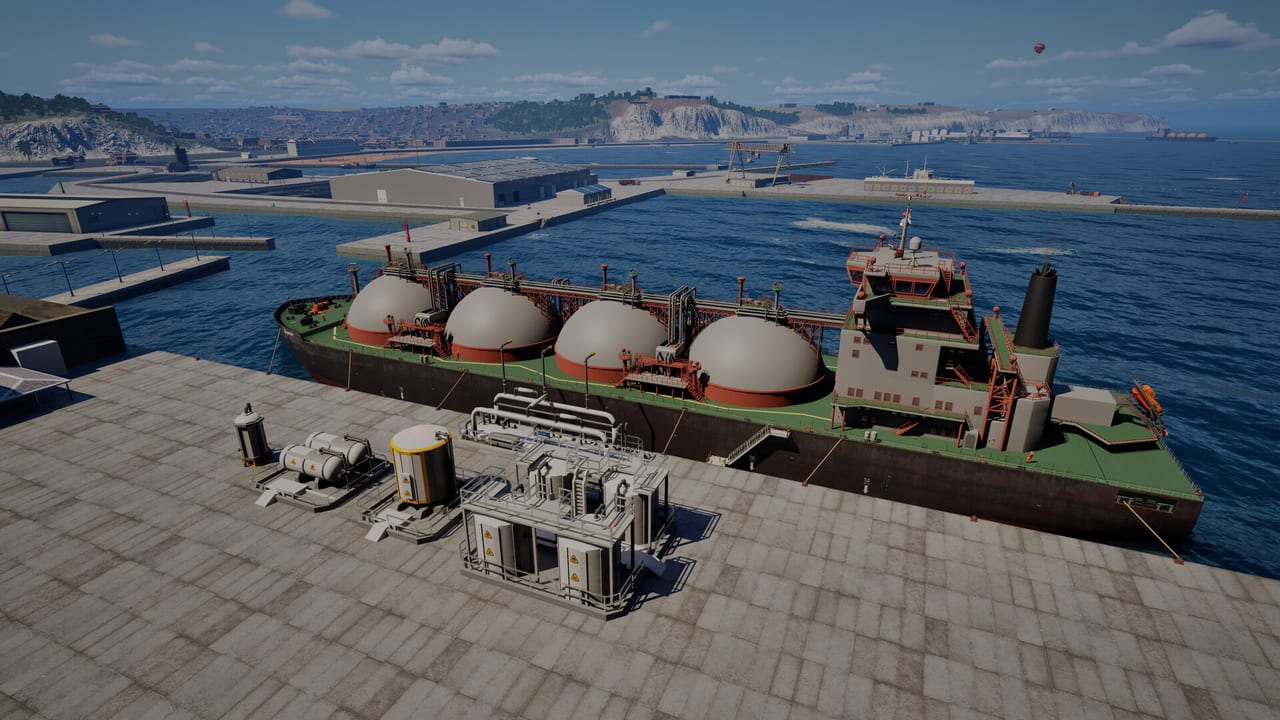
Two repair loops live in Professional Ship Simulator. One is a job: coastal weather knocks buoys out of true, and you steam a replacement from a harbor such as Dunkirk, find the casualty, and swap it. The other is self-preservation: hull damage and flooding after a scrape, then a dry dock at a main harbor. Creator walkthroughs (embedded here) show both in one session — a buoy task, a minor kiss, and a yard visit. Steam Early Access is scheduled for 16 September 2026. Practise the radio and the yard in the demo if your build includes them.
Read missions for how jobs are accepted, and docking before you try to land a damaged hull.
Buoy replacement, step by step
- Take a suitable workboat, not a yacht and not an LNG tanker.
- Request the task through the radio menu at a participating harbor. About twenty of the forty-plus harbors support mission tasking.
- Load the replacement buoy. Treat it as cargo: it changes handling more than a crate of stores.
- Plot a slow route. Echo sounder on. These marks sit where the bank is real.
- Station-keep at the damaged buoy. Thrusters, not a drive-by. Current and wind will walk you onto the mark if you get impatient — physics.
- Complete the swap, then leave on a heading that does not clip the next seamark.
This is excellent thruster practice. It is also how people hole a hull because they stared at the crane and forgot the bow. Keep a stored bow camera.
When you are the damaged ship
The hydro model includes hull damage and flooding. Bilge pumps and watertight doors are on the systems list for a reason. After a scrape:
- Slow down. A flooded compartment plus RPM is how a lesson becomes a sinking XP event.
- Check pumps and doors on the clickable bridge or HUD.
- Cancel the next cargo run. Career would rather you visit a yard than invent a new hole.
- Radio a main harbor that has a dry dock. Official feature pages say some main harbors offer this. Creator footage shows the request-and-repair loop after a buoy job went slightly wrong.
RC 1717 improved ship handling, docking, mooring, and tug interactions, and it still expects you to use the yard. There is no “repair all” key on the keyboard sheet.
How this fits Career
A buoy job is honest coastal work for Level 1–2 Career. A yard visit is the bill for impatience. Fast Travel can still spawn rescue or weather on the way, so a damaged hull plus a gale is a real combination — see weather and career.
If your build lacks dry dock in the demo slice, still learn the buoy loop. The yard is the same radio-and-harbor habit with more steel. Keep a printed keyboard layout nearby the first time you work a buoy at night: winch and camera binds are easy to mix when the mark is only a light. When Early Access adds or moves yards, the patch notes page is where we will record it.
Frequently Asked Questions
Quick answers before you take the helm.
How do I start a buoy repair?
Use the radio menu at a participating harbor, load a replacement, and station-keep on the damaged mark. A workboat is the right hull.
Where do I repair my own ship?
Some main harbors have a dry dock. Request it after you slow down and start pumps. It is not a magic key.
Do lines or fenders prevent all damage?
No. They reduce ugly contact. Bank effect and leftover way still hole steel if you arrive hot.
Should I keep a Career job after a scrape?
Usually no. Visit the yard first. Flooding plus a schedule is how XP disappears.